User Roles and Permissions
.jpg)
Overview
The Problem
A rapidly growing SaaS platform was struggling to manage user access effectively. With a limited user roles system, admins faced challenges like:
- Overly broad permissions: Assigning admin roles granted excessive access, creating security risks and hindering granular control.
- Friction for new users: Limited role options forced users into ill-fitting roles, causing confusion and hindering onboarding efficiency.
- Slow response to access requests: The manual process for managing permissions was time-consuming and prone to errors.
Background
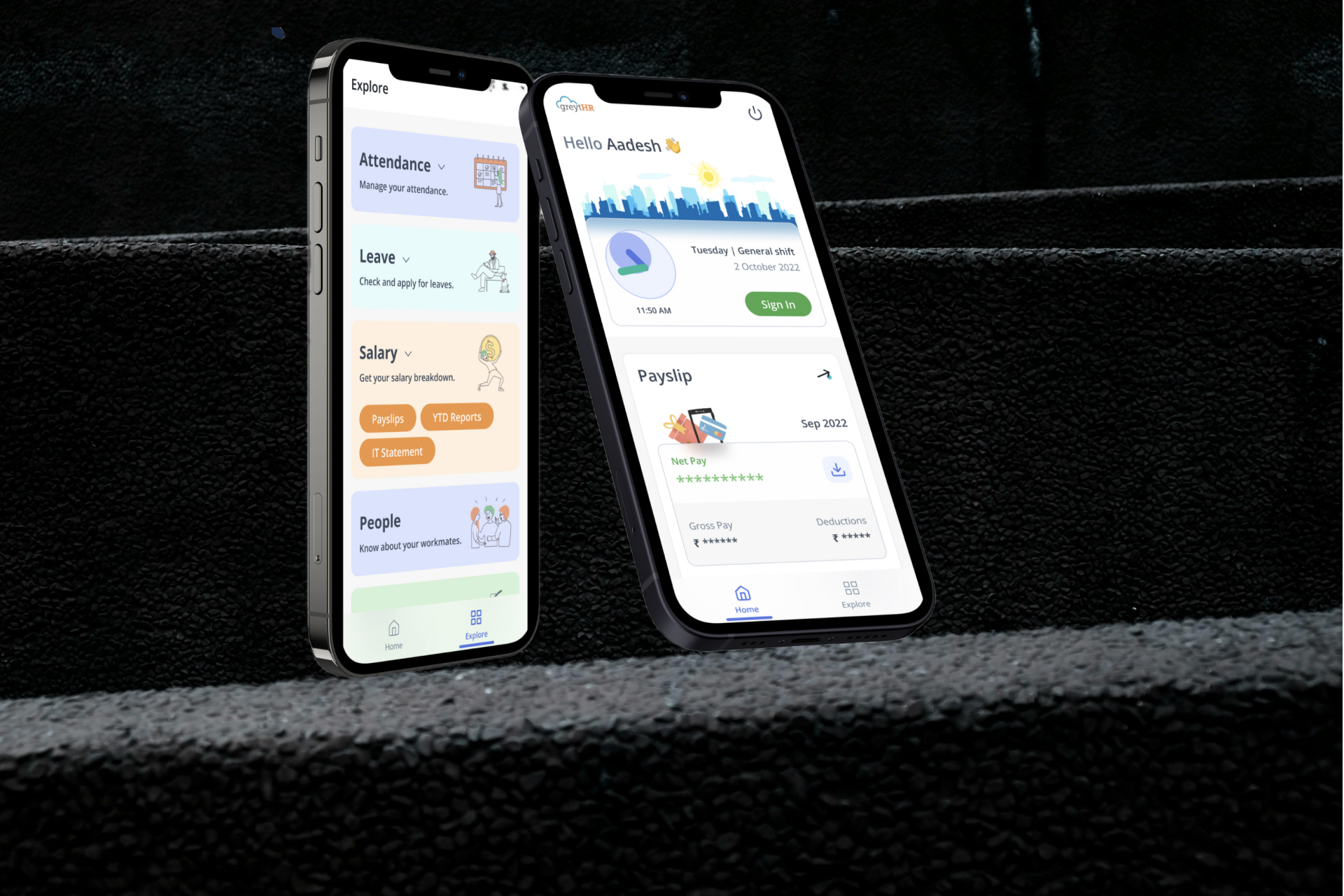
Apax is a web based employee management tool for businesses of all sizes. Based on multiple client requests, the company has identified a need to create a new feature to allow admins manage custom role creation and permissions as well as assign roles to employees. From company-wide insights, having this feature on Nexora is expected to increase user adoption and retention while reducing churn.
Defining success
- Time to Create a New Role: Aim for a < 5 minute average to create a new role.
- Number of Help Desk Tickets Related to Access Control: Ideally, see a reduction of 20% in tickets within a specific timeframe after implementing the new system.
- User Satisfaction Surveys: Aim for an average score of 4 or higher (out of 5) on user satisfaction surveys regarding ease of use, clarity, and permission management.
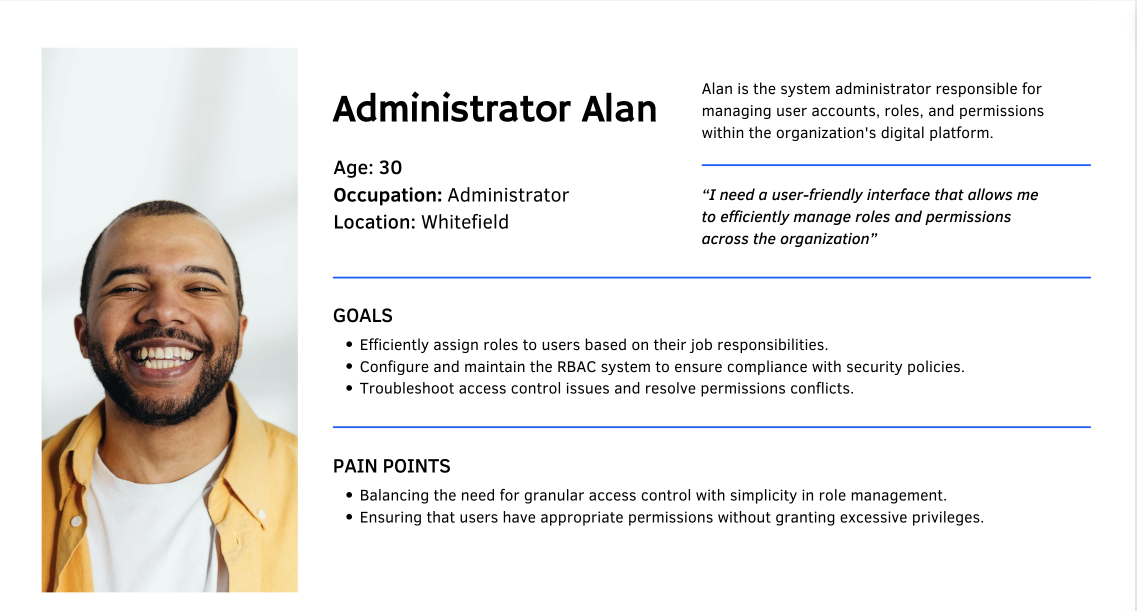
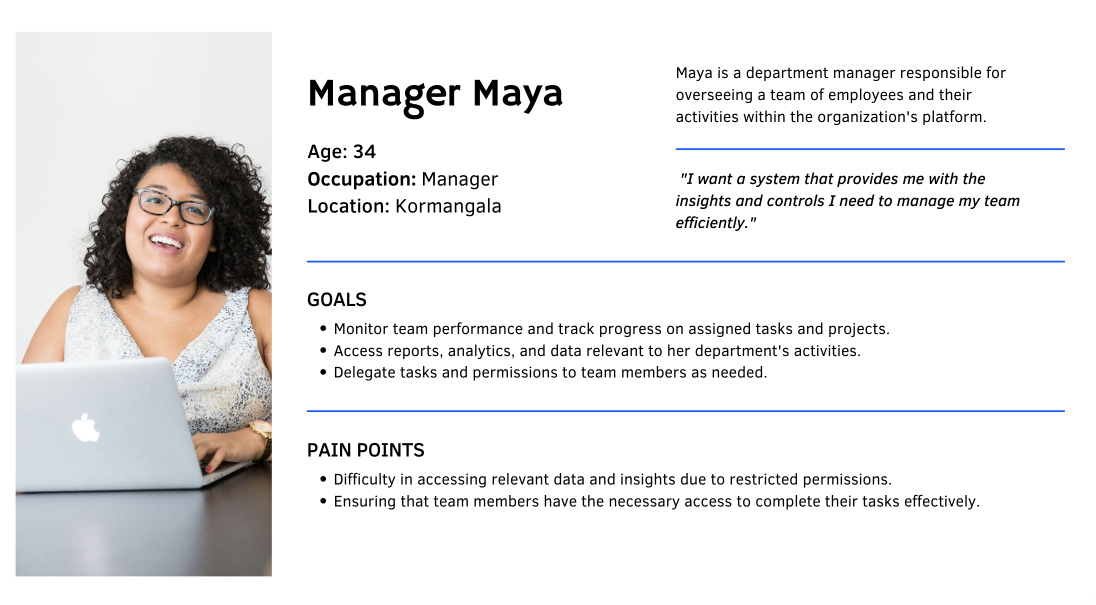
Understanding User Needs : Personas and Pain Points
Dummy contentDummy contentDummy contentDummy contentDummy contentDummy contentDummy contentDummy content.
Entities, concepts and their behaviours
Resources : Our application is constructed by putting together a number of individual components/elements, these elements could be :
- UI elements - UI components, pages that are created by putting together a bunch of UI components.
- Data elements - Fields that that contain employee information, documents and letters.
- API’s - API’s that allow information to be retrieved from the database that is eventually displayed on the application.
Each of these components can be termed as resources and specific permissions can be mapped to these resources.
Understanding Permissions
Permissions : Every user on the application has access to all/a specific set of resources on the application.
Permissions will define the type of activities that can be performed on the resources that are made available to the users. There are primarily 4 types of permissions defined as part of the application:
- Read/View permissions - Users with this set of permissions can only view the resources that are made available to them. They cannot modify, manipulate or perform any actions on the information that they view.
- Write/Edit permissions - Users with this set of permissions can modify/edit the information contained in the resources that are made available to them. They could also add any information that they deem necessary.
- Download permissions - Users with set of permissions can download information from the application onto their local machines if necessary.
- Delete permissions - Users with set of permissions can delete/erase information that is contained as part of resources that are made available to them.
Understanding RBAC Model
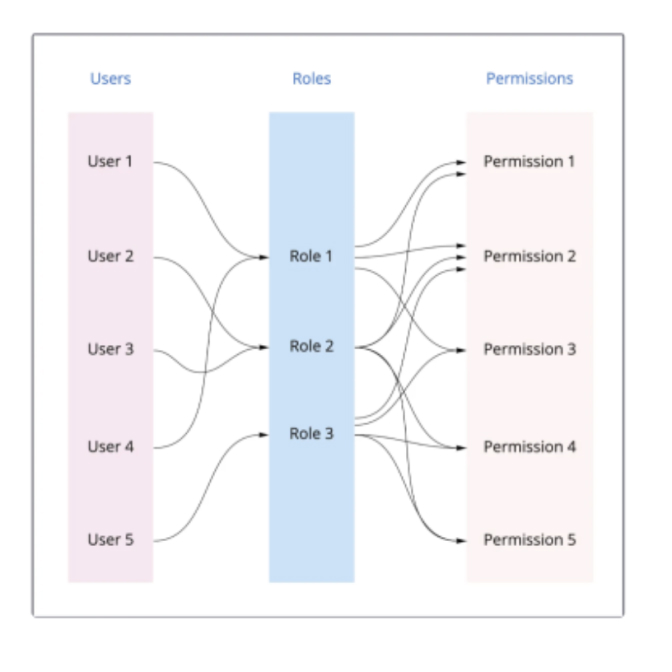
User roles : A combination of permissions and resources creates a user role in our application. A user role essentially determines the level of access a user has on pieces of information in the application. It also determines the kind of activities the user can perform on top of the information that they have access to.
Users : A user is essentially a person who logs onto the application and is assigned one or more roles. The user the utilizes the application to solve business use cases based on the information that is made visible to them as part of the roles they are assigned.
Access : A lot of the information on the application can be grouped to ensure that users can be given access to a specific set of information. A good example in the case of an HRMS application is that a user can be given access to the information of all employees of the organization or only a specific set of employees.
Guiding Principles
- There will only be one super/primary admin per organization.
- The super/primary admin will be the only person/role with access to the roles and permission page.
- Users will not be able to edit any permissions for the system generated roles.
- Users will not be allowed to edit permissions at the time of assigning roles.
- All roles will be defined and segregated based on apps and will remain that way even when we scale to more apps.
- A user can be assigned one or more roles.
Designing the App
After forming a good idea of RBAC model like how the entire system would work, it was time to design.
I started by specifying the app which people would use to match with each other in the first place. I kept the app architecture simple and flat.Once they've signed up, the home page will be he only screen they need (to swiping on cards). From there, they'll always be able to navigate to their profile or filters, to change the kind of people they see.
Learnings & Takeaways
Takeaways
The unique brief helped me look outside of just the digital interface and look at the experience of visiting a library from a service design lens.Along with getting extremely lucky by having an amazing team, I was also fortunate to have found the scope to work on Voice as a medium, and Inclusive design. Two areas I’m really passionate about.
- If I had more time, I would have conducted additional user testing to better understand the impact of different permission levels on user behavior.
- I would have also liked to prototype and validate more scenarios involving edge cases, such as overlapping roles and the potential for privilege escalation, to ensure a rock-solid solution.
.png)